

Image Uniformizer — Batch Photo Editor
Productivity · v1.0.2
Prepare a consistent set of product photos, catalogue images or social media visuals in one workspace. Image Uniformizer combines batch cropping, simple background removal and tone adjustments with a preview grid.
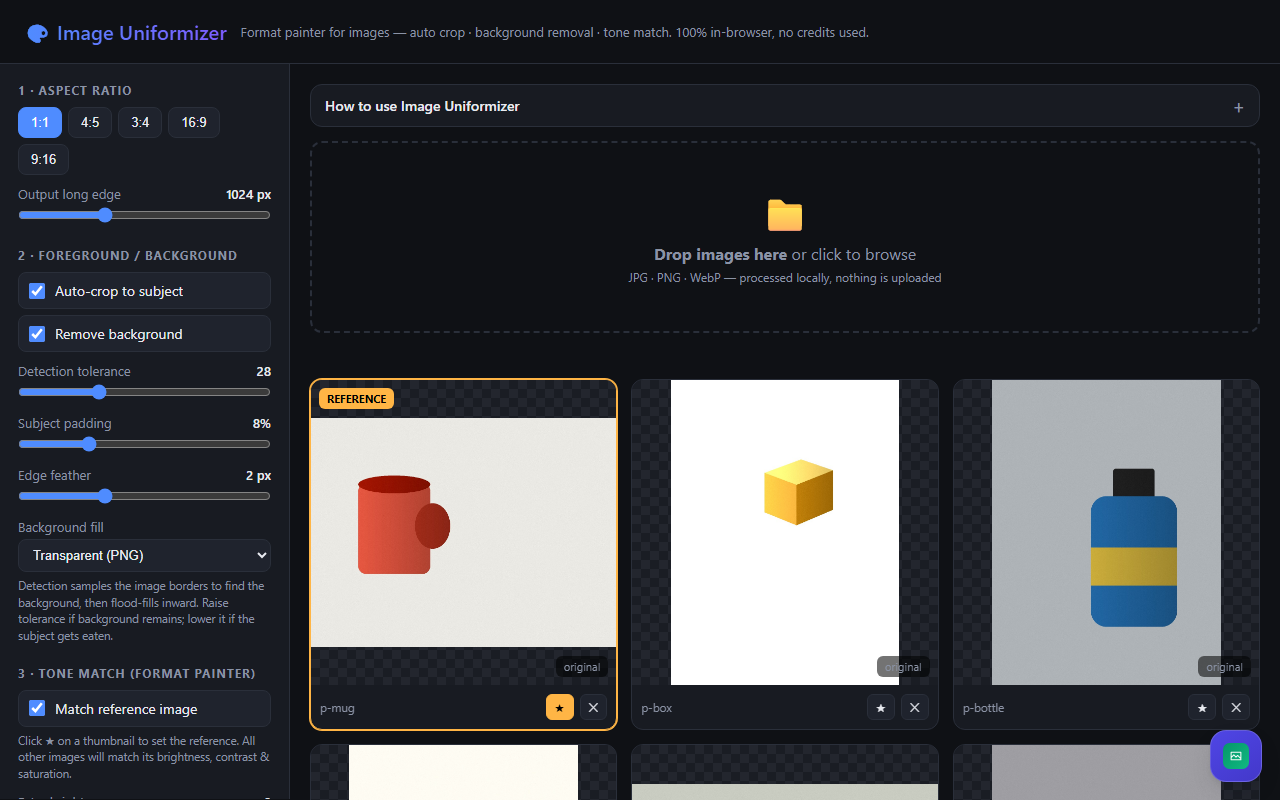
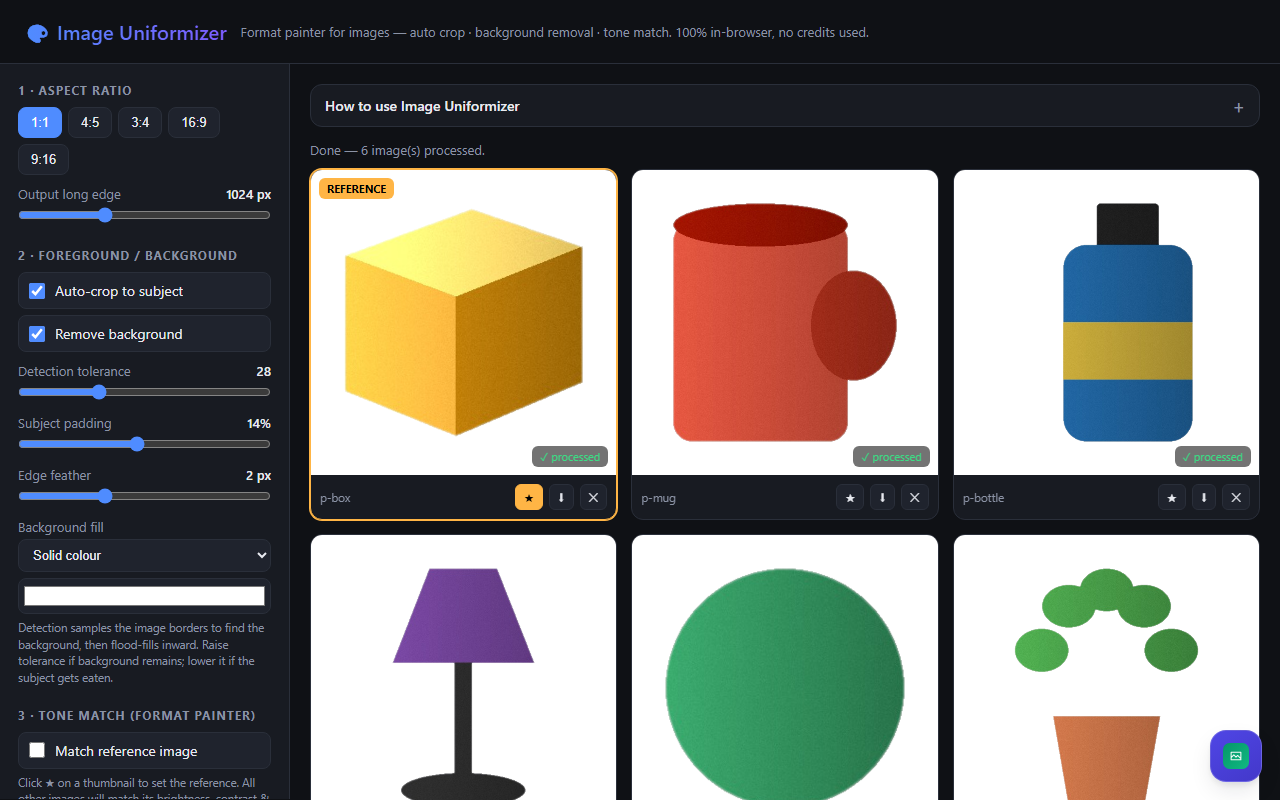
Choose from five aspect ratios and set the output size. Auto-crop estimates the subject from the background, with controls for tolerance, padding and edge feathering. Keep the original background, use a solid colour, or export with transparency.
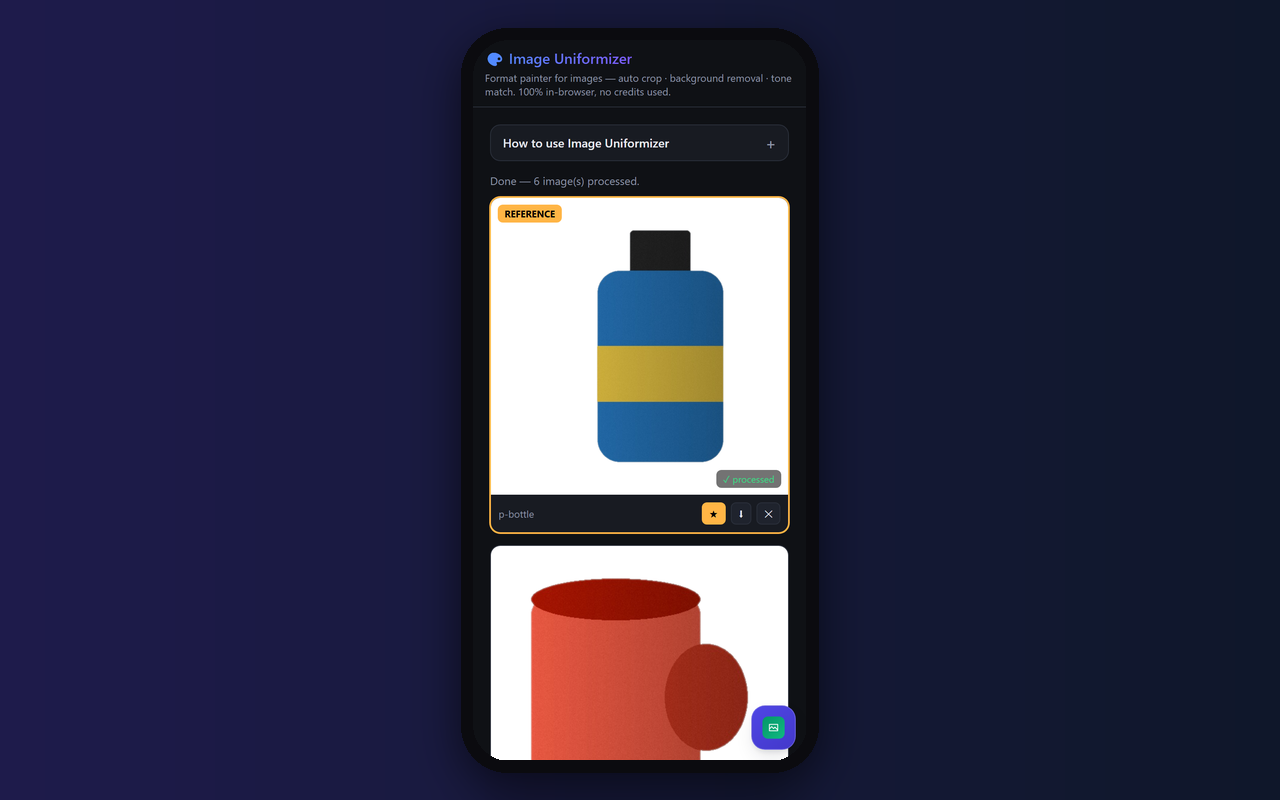
Star one image as your tone reference and apply matching brightness, contrast and saturation across the batch. Process images together and download the results in a ZIP archive. Background removal works best with simple, consistent backgrounds; complex scenes may need manual preparation.
Photo processing runs in your browser. Access to the hosted app requires a Pradarshak subscription. The current testing plan offers lifetime access at ₹0; no image-generation API key is required.
Features
- Batch image cropping with five aspect ratio presets
- Auto-crop with tolerance and subject padding controls
- Simple background removal with adjustable edge feathering
- Transparent, solid-colour or original backgrounds
- Reference-based brightness, contrast and saturation matching
- Individual image downloads and batch ZIP export
- Browser-based photo processing without an image API key
Screenshots
FAQs
How do I open Image Uniformizer?
Sign in to Pradarshak, choose the available access option on the app listing, then select Launch from your dashboard.
Which images work best?
Use JPG, PNG or WebP files. Background removal works best when the subject stands out against a simple, consistent background. Detailed hair, shadows or busy backgrounds may need manual editing.
How does reference tone matching work?
Click the star on one thumbnail to choose its brightness, contrast and saturation as a reference. Enable matching, process the batch and fine-tune with the adjustment sliders.
What can I download?
Download individual processed images or the batch as a ZIP archive. Transparent output uses PNG; solid-colour and original-background output use JPEG.
Are my photos processed on a server?
The editor processes selected photos in browser memory using canvas. No image-generation API key is required. Keep the tab open until you download your results; ZIP export also depends on the app's JSZip library loading successfully.
Reviews
No reviews yet.