
Invoice Maker — GST Billing
Productivity · v1.0.0
Running a small business means juggling invoices, stock, and tax — usually across three different tools. Invoice Maker brings it all into one simple screen.
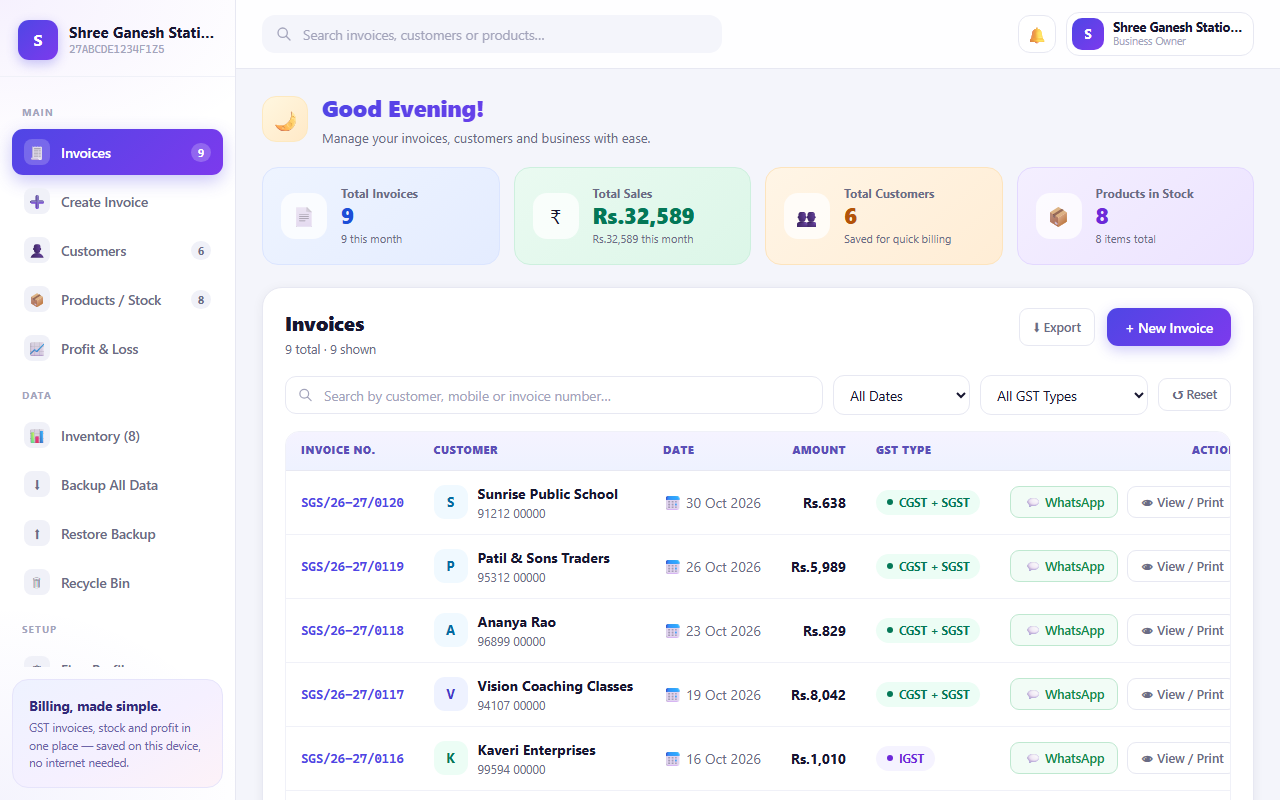
Built for shop owners, freelancers, and small business teams in India, it creates fully GST-compliant tax invoices in seconds, complete with HSN/SAC codes, state-wise tax split, and an auto-generated UPI QR code so customers can pay you instantly.
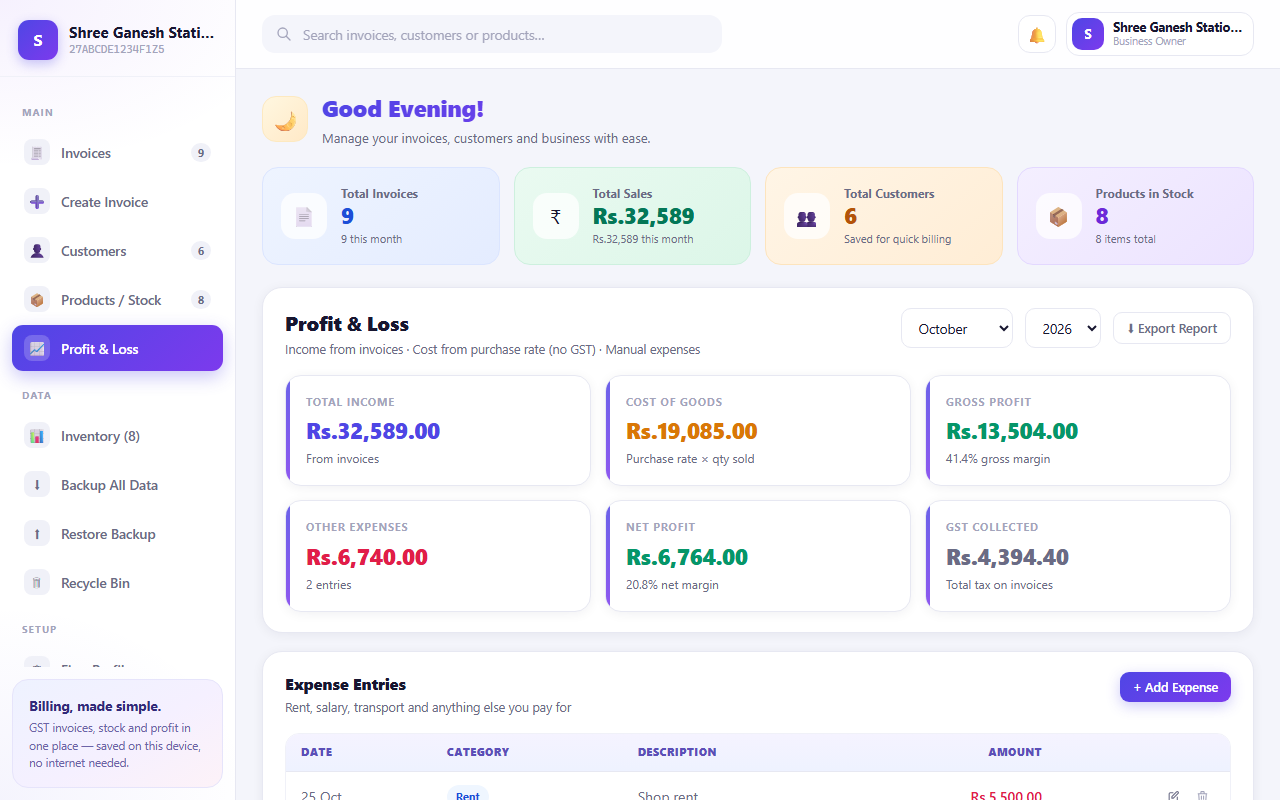
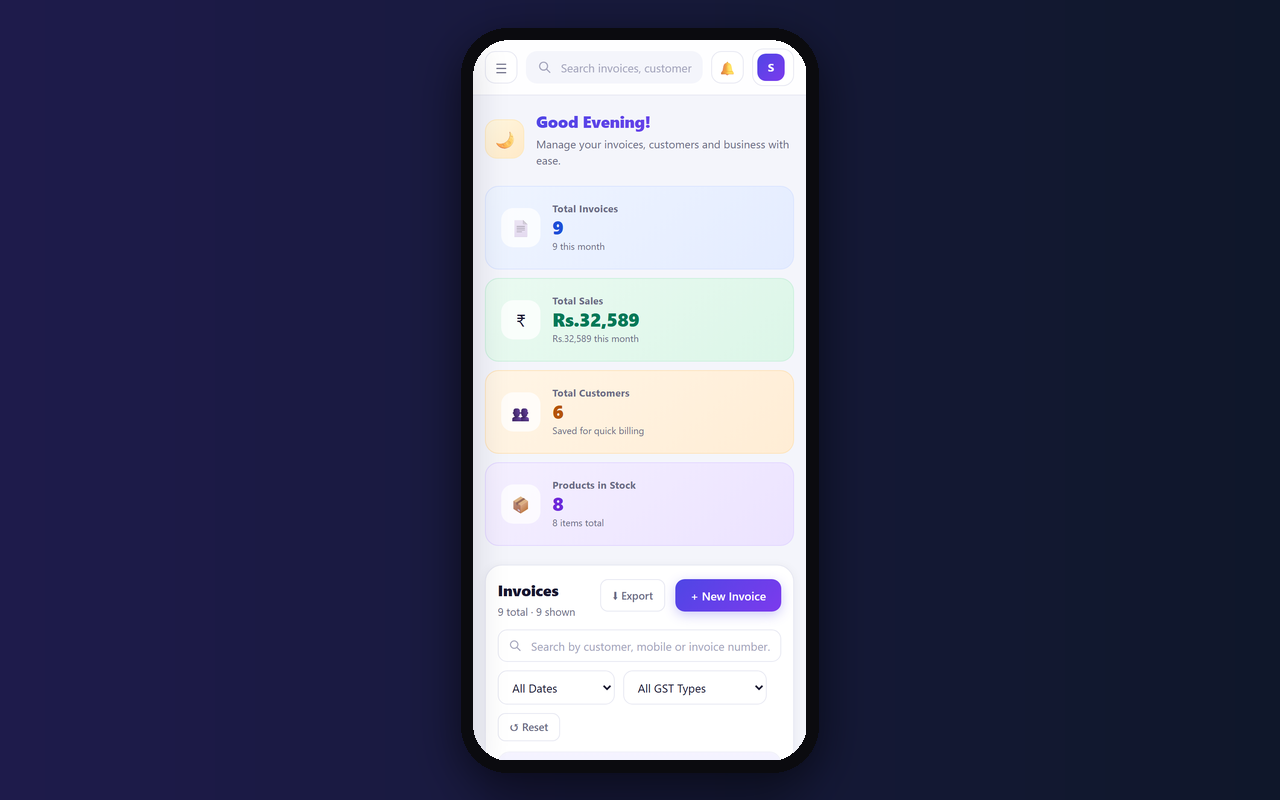
Behind every invoice sits real business tracking: customer records, product and stock levels (import your existing Excel sheet in one click), expense logging, and a live Profit & Loss view so you always know where you stand.
Every invoice becomes a polished PDF that downloads straight to your device — no printer, no third-party app. And because it runs entirely in your browser with no login and no internet dependency, your business data never leaves your device.
Unlike generic invoice templates or spreadsheet hacks, Invoice Maker is built specifically for Indian GST billing — so you get compliant invoices without learning tax rules or fighting with formulas.
Features
- Creates GST-ready tax invoices in seconds
- Auto-generates a UPI QR code for instant payment
- Tracks customers, products, and stock in one place
- Imports your existing inventory straight from Excel
- Auto-downloads a polished PDF invoice — no printer needed
- Manages multiple firm profiles and letterheads
- Logs expenses and shows real-time profit & loss
- Works fully offline — no login, your data stays on your device
Screenshots
FAQs
Do I need an internet connection to use this?
No. Invoice Maker works fully offline once it's loaded in your browser — perfect for shops with patchy internet.
Do I need an account to use the hosted app?
Sign in to Pradarshak and open Invoice Maker from your dashboard once you have access. The invoice editor opens inside the hosted viewer.
Is my business data private?
Yes. Your invoices, customers, and stock data are stored only on your own device — nothing is sent to a server.
What if I already track my products in Excel?
You can upload your existing inventory sheet directly — no need to re-enter your product list by hand.
Does it work on mobile and tablet?
Yes, the app is designed to work across devices with a browser, including phones and tablets.
How do I open the latest hosted build?
Launch Invoice Maker from your Pradarshak dashboard. Export a backup of your records before switching browsers or clearing browser data.
Reviews
No reviews yet.