
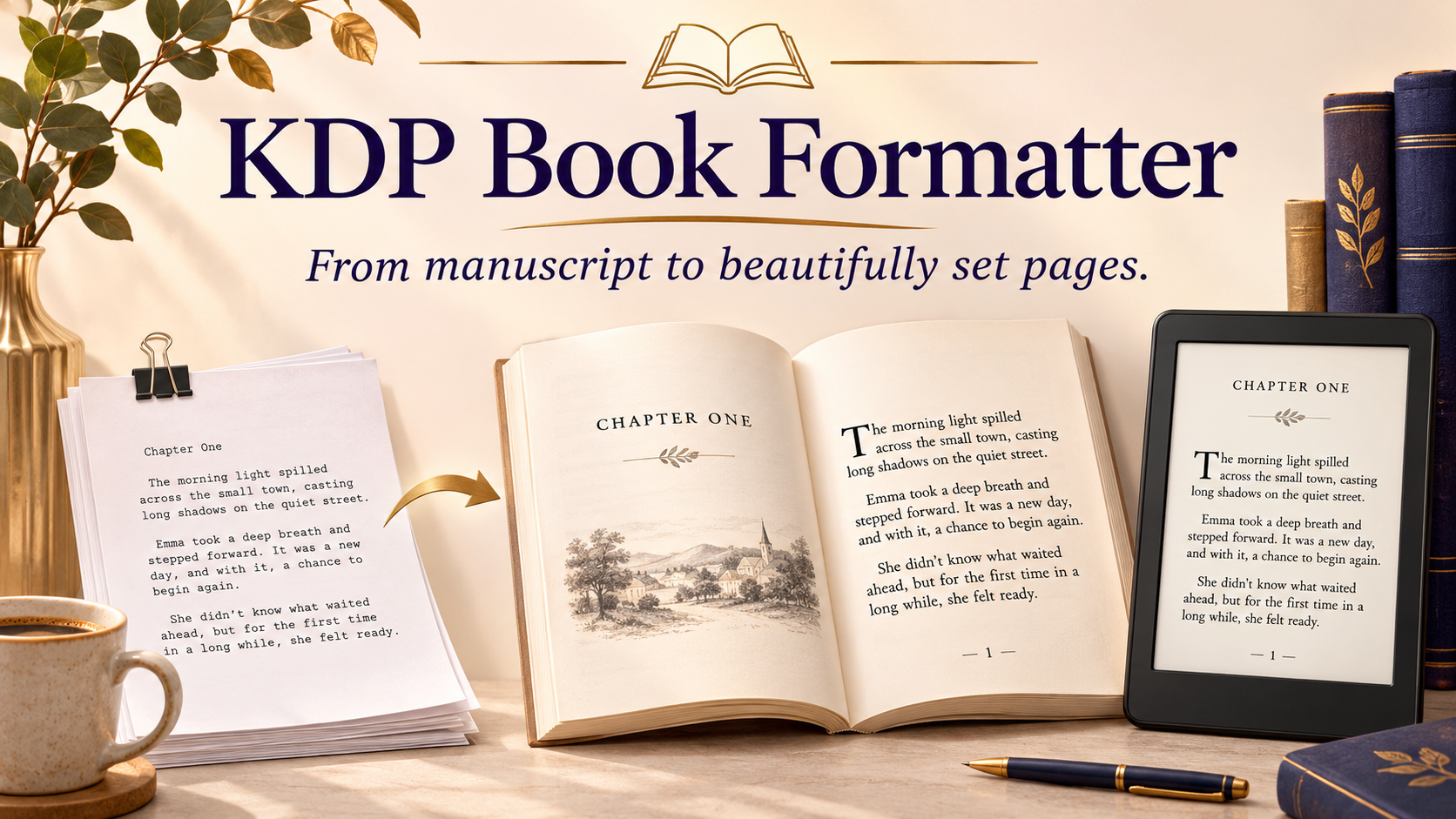
KDP Book Formatter
Productivity · v
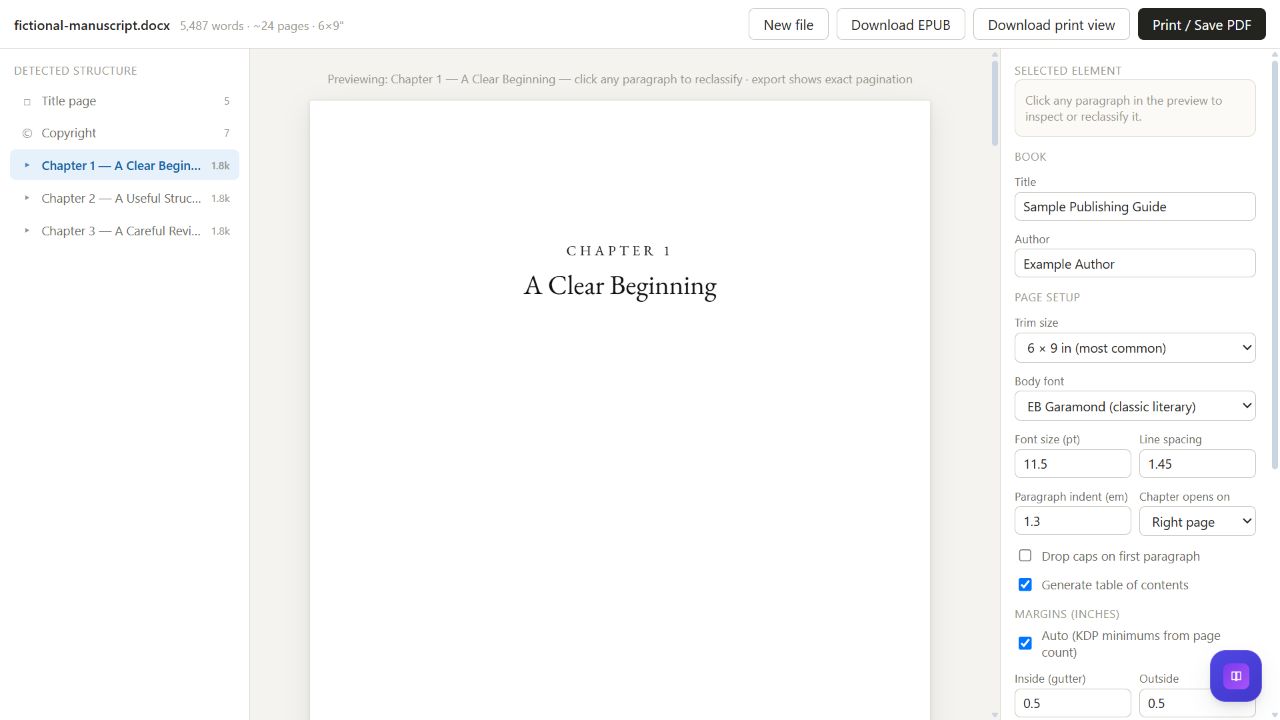
KDP Book Formatter reads DOCX manuscripts in your browser and detects chapters, front matter and subheadings using rules. Review the structure, reclassify paragraphs, and choose trim size, typography, chapter openings and margins. Download an EPUB or a standalone typeset print view. Open the print view in a compatible browser, then use Print / Save as PDF. Zip parsing and print pagination are bundled; optional Google Fonts need a connection, with system-font choices available. Page counts and gutter readouts are estimates until final pagination. This creates book interiors, not exterior covers. Review the final PDF, embedded fonts, image quality and KDP eligibility before publishing. Hosted restrictions can affect pop-ups, file access, downloads and saved sessions.
Features
- DOCX chapter detection, paragraph reclassification, trim and typography controls, gutter estimates, EPUB export and portable print-view download
Screenshots
FAQs
How do I make a PDF if the hosted view blocks pop-ups?
Use Download print view, open that HTML file in a compatible browser, wait for the pages to render, then choose Print / Save as PDF. Review all pages and KDP settings before publishing. This app creates interiors, not exterior covers, and does not guarantee acceptance. Some hosted browsers restrict downloads or file selection.
Reviews
No reviews yet.