

PosterMaker — Academic Poster Builder
Research & Academic · v
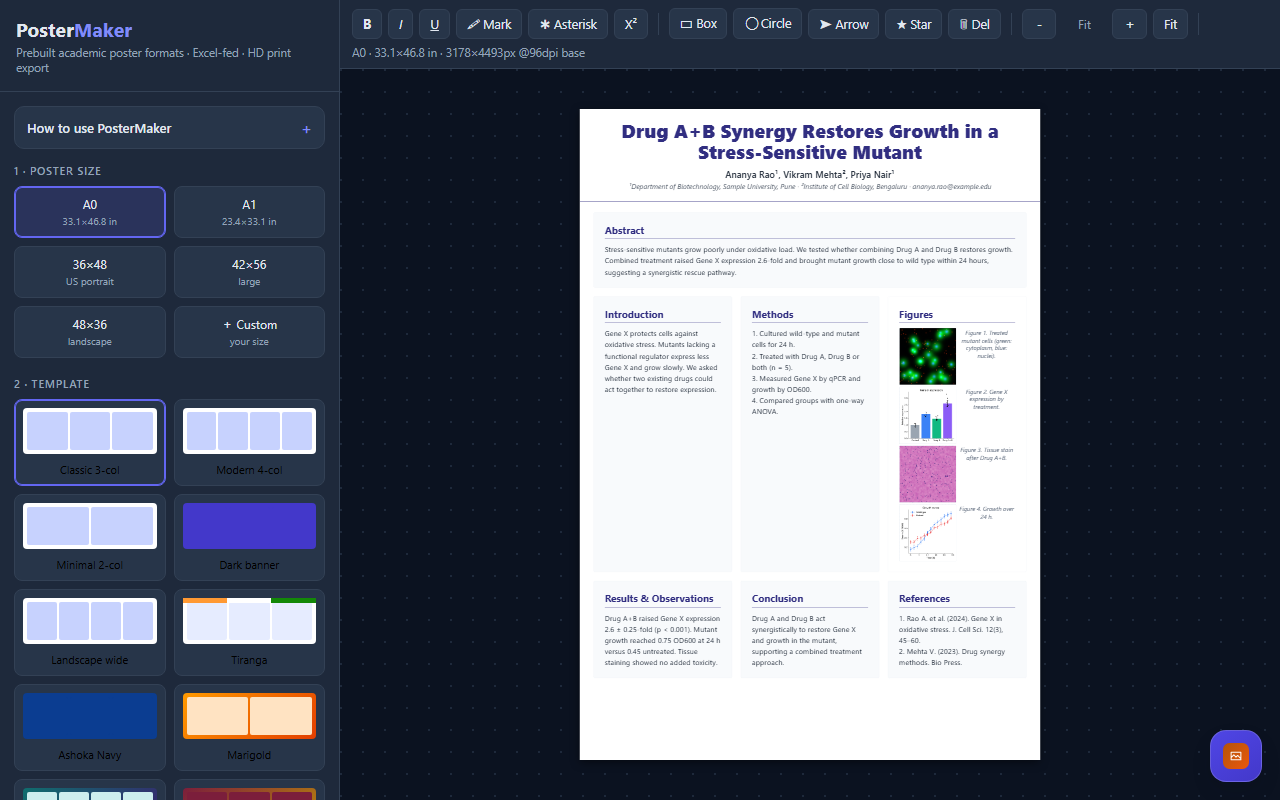
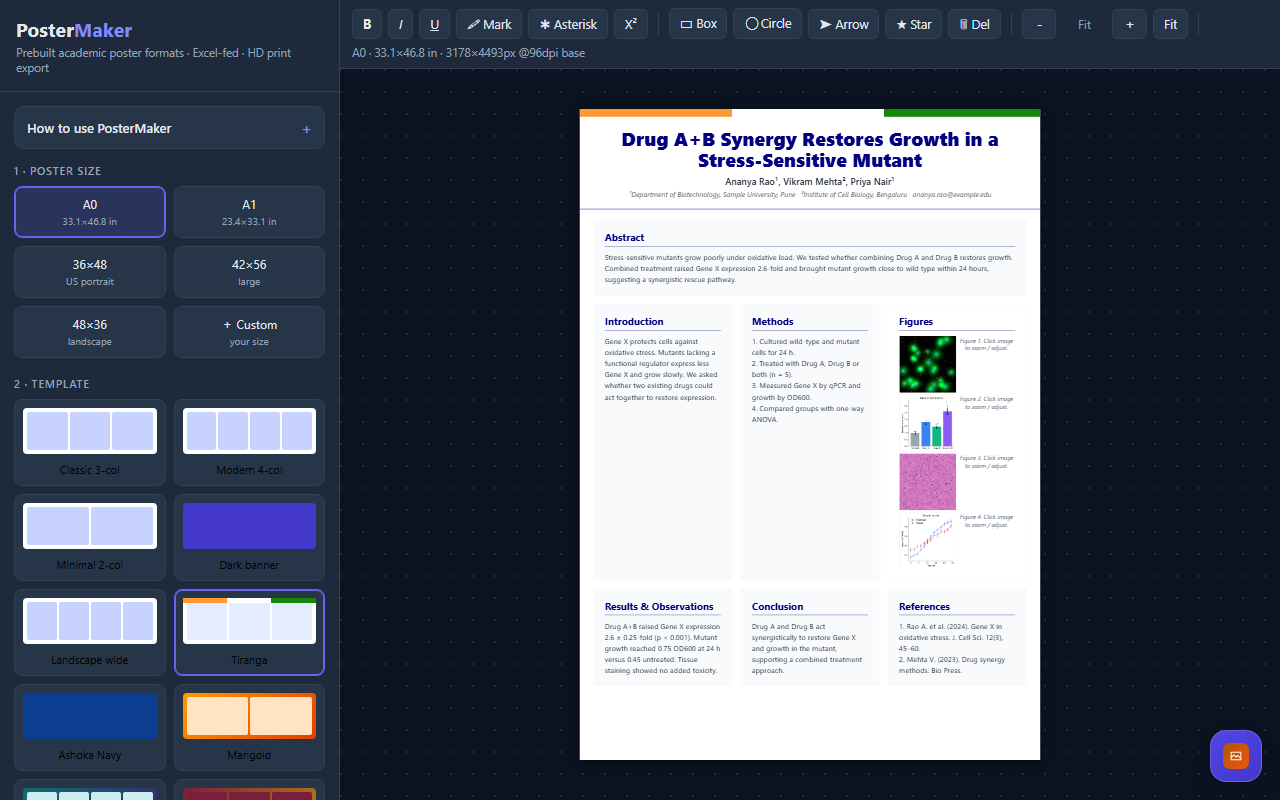
PosterMaker helps researchers, students and laboratory teams turn a study into an academic poster. Choose A0, A1, common conference formats or a custom size, then start from one of eleven layouts. Adjust columns, typography and accent colors to suit your event.
Import an Excel or CSV outline with Section and Content columns, or edit the title and sections directly on the poster. Show the sections you need and arrange the content around your figures.
Add images, inspect them in a lightbox and adjust brightness, contrast and saturation. Apply matching adjustment settings across figures when appropriate. Format text with emphasis, highlights and superscripts, and add draggable boxes, arrows, circles and stars.
Export a PNG or single-page PDF at the selected physical dimensions. Resolution options include 150, 300 and 600 DPI; large posters are limited by browser canvas capacity. Check effective resolution, text readability and your printer or conference requirements before printing.
Features
- Eleven academic poster templates and custom poster sizes
- Direct editing of titles, sections and poster text
- Excel and CSV import with section matching
- Figure lightbox with brightness, contrast and saturation controls
- Rich text formatting and draggable shape annotations
- PNG and PDF export with selectable resolution and physical dimensions
Screenshots
FAQs
Which poster sizes can I use?
Choose A0, A1, common US conference sizes or custom dimensions in inches or centimetres. Confirm the required size with your conference or printer.
Can I import text from a spreadsheet?
Yes. Use an Excel or CSV file with Section and Content columns. You can also edit the title and section text directly on the poster.
Can I adjust images and match figure settings?
Yes. The figure lightbox has brightness, contrast and saturation controls, and a normalise action applies matching adjustment settings to figures. Review changes to scientific images according to your publication requirements.
Which export formats are supported?
Export PNG or a single-page PDF at 150, 300 or 600 DPI. Browser canvas limits can reduce effective DPI for large posters; review the export settings and final file before printing.
Can I change colors, columns and fonts?
Yes. Adjust accent colors, heading font, base font scale, column count and optional border settings, starting from a template or custom layout.
Reviews
No reviews yet.