


Vitae — Academic CV & NAAC Report Builder
Research & Academic · v1.0.0
Every year someone asks for your academic details in a different shape — a CV, a NIRF return, a NAAC criterion, a CAS or PBAS form. Vitae lets you enter each item once and print whichever report you need.
Built for university and college faculty, it keeps your records in about twenty categories across education, teaching, service, research and professional credentials. Papers, books, projects, patents, guidance, lectures, awards and memberships each have their own fields, so reports can filter and count them properly.
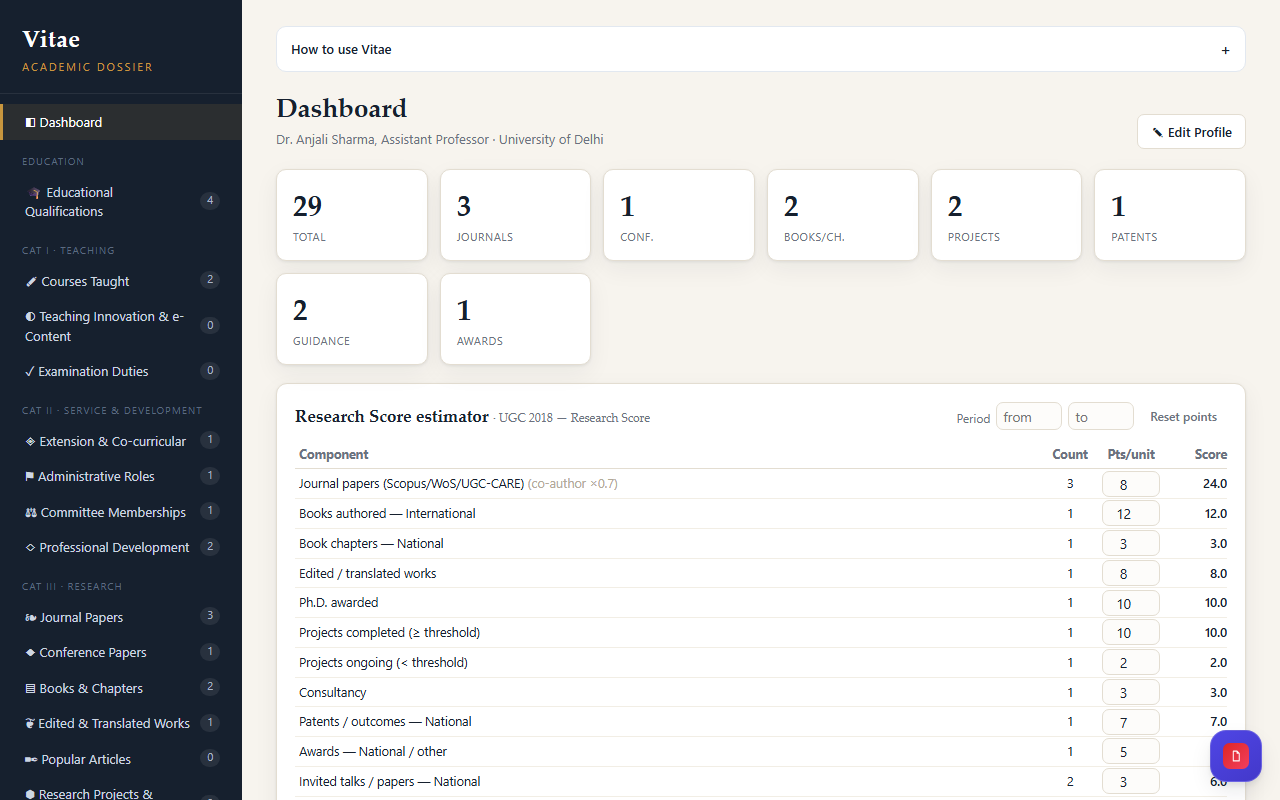
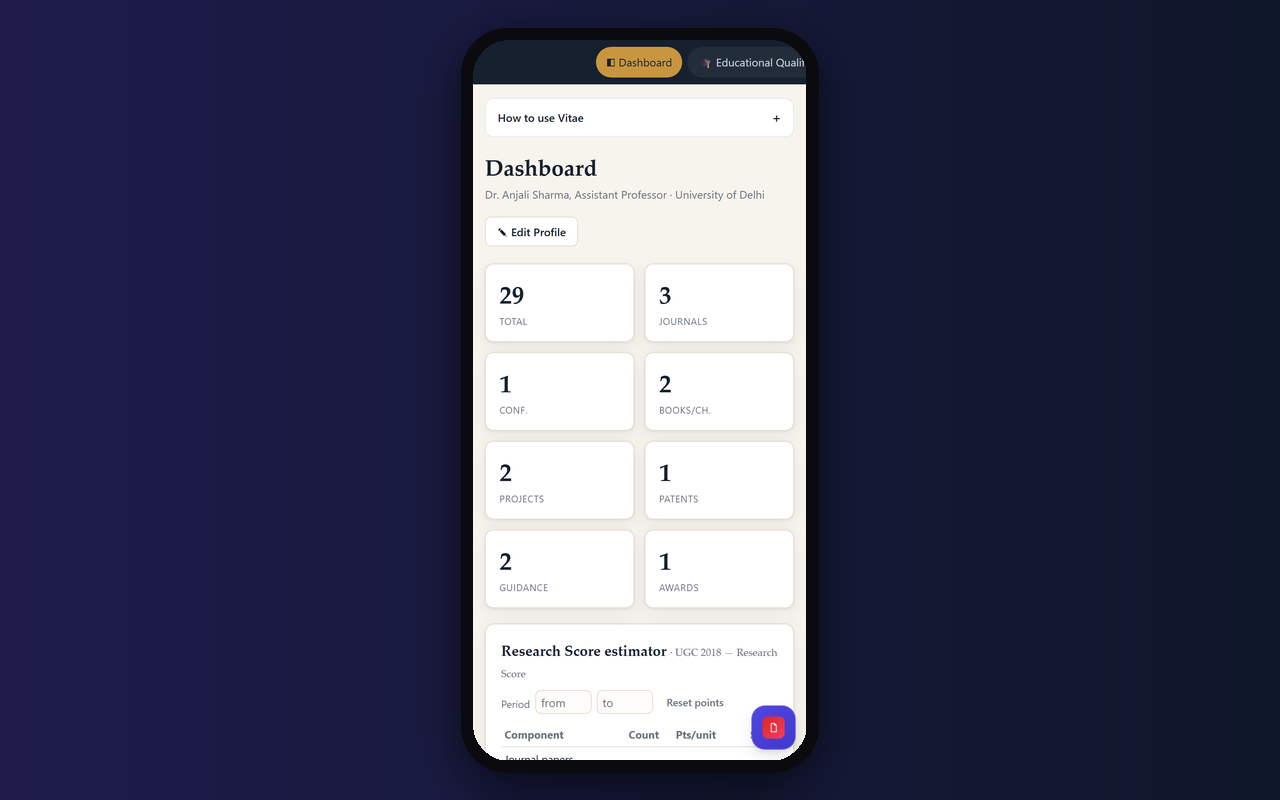
The dashboard shows how many records you hold in every category and calculates your research score against the UGC 2018 ruleset. The weights are editable, so you can adapt the scoring to your own institution.
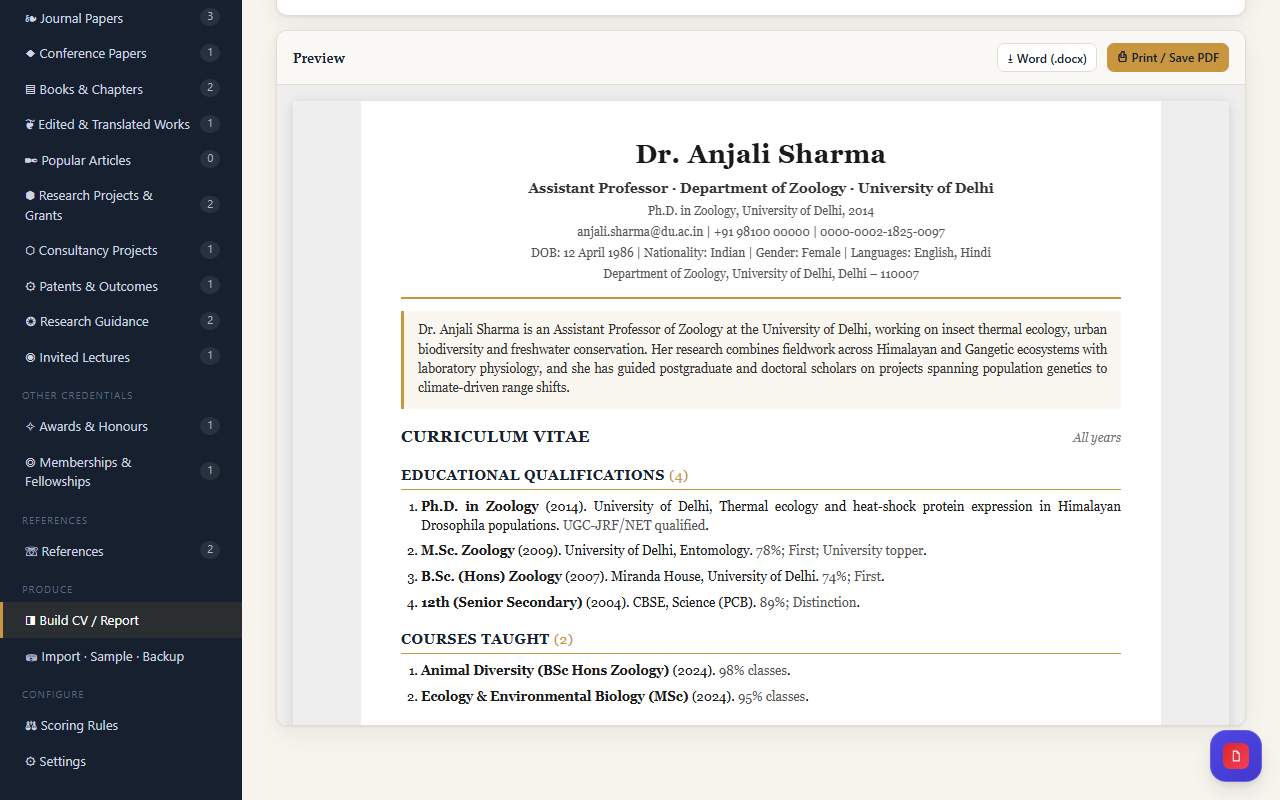
Generate a full CV or a NIRF, NAAC, CAS, PBAS or custom report for any year range. Choose a serif or sans typeface, accent colour, numbering style, count summaries, a signature block and a corner photograph, then print or save as PDF.
Add records one by one, load them from an Excel template, or paste an existing CV into the import box and let your chosen AI provider turn it into structured rows you can review before adding. Ready-made AI prompts are included for each section.
Features
- One record set, every report format
- About twenty record categories across teaching, service and research
- Research score against the UGC 2018 ruleset, with editable weights
- CV, NIRF, NAAC, CAS and PBAS reports for any year range
- Excel template and AI-assisted import for bulk entry
- Choose typeface, accent colour, numbering and signature block
- Print or save as PDF with a corner photograph
Screenshots
FAQs
Which report formats can Vitae produce?
A full CV, plus NIRF, NAAC, CAS, PBAS and custom reports, each for any year range you choose. All of them are built from the same records, so you never re-enter anything.
How is the research score calculated?
Vitae scores your research records against the UGC 2018 ruleset. The weights are stored as editable JSON, so you can change them or write your own ruleset for your institution.
Do I have to type every record by hand?
No. You can fill the Excel template and upload it, or paste an existing CV into the import box and let an AI provider you choose structure it into rows. You review the rows before they are added.
Where is my data stored?
Your records are kept in your own browser. If you want them synced, you can connect Supabase, Firebase or a custom endpoint, and the API key stays in your browser only.
Can I customise how the report looks?
Yes. Pick a serif or sans typeface, an accent colour, numbering style, count summaries, a signature block and a corner photograph, then print or save the report as a PDF.
Reviews
No reviews yet.